The private web browser for Google TV. It blocks trackers and ads, clears your data when you exit and locks your history and private tabs with a PIN. What you do stays on your TV.
One purchase · No subscription · No ads · No account
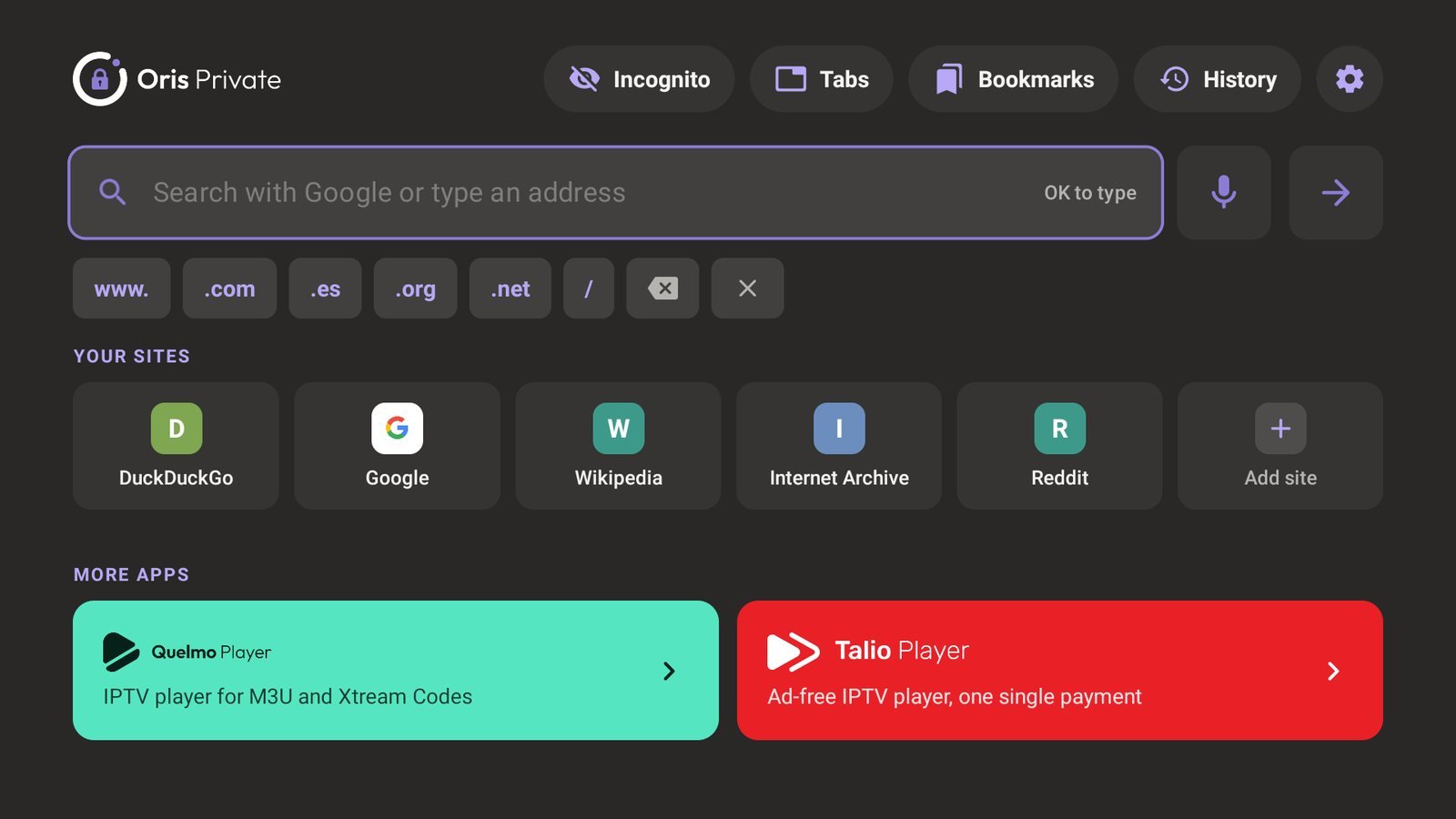
Everything is on from the start or one click away in Settings, and all of it runs on your TV.
Websites stop following you from page to page. Trackers are blocked before they load, on by default.
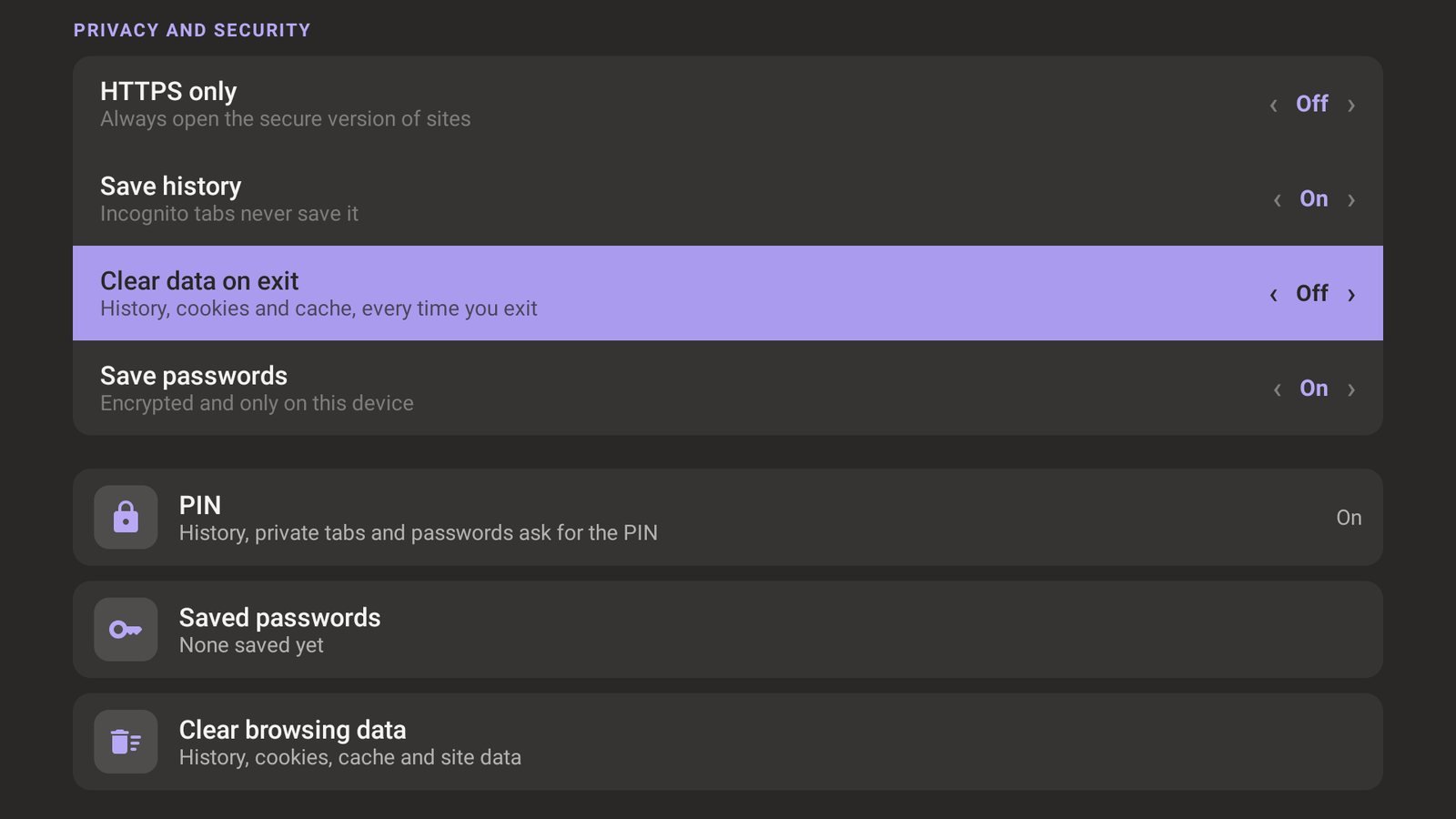
History, cookies and cache disappear every time you leave the app. Every session starts clean.
Nobody else at home can see your history, your private tabs or your saved passwords without the PIN.
Sign in once and your username and password are filled in next time. Encrypted, and only on your TV.
Nothing is saved to history. Their cookies and cache are kept apart and deleted when you close them.
Pages load faster and stay clean. You can see how many ads and trackers were blocked on each page.
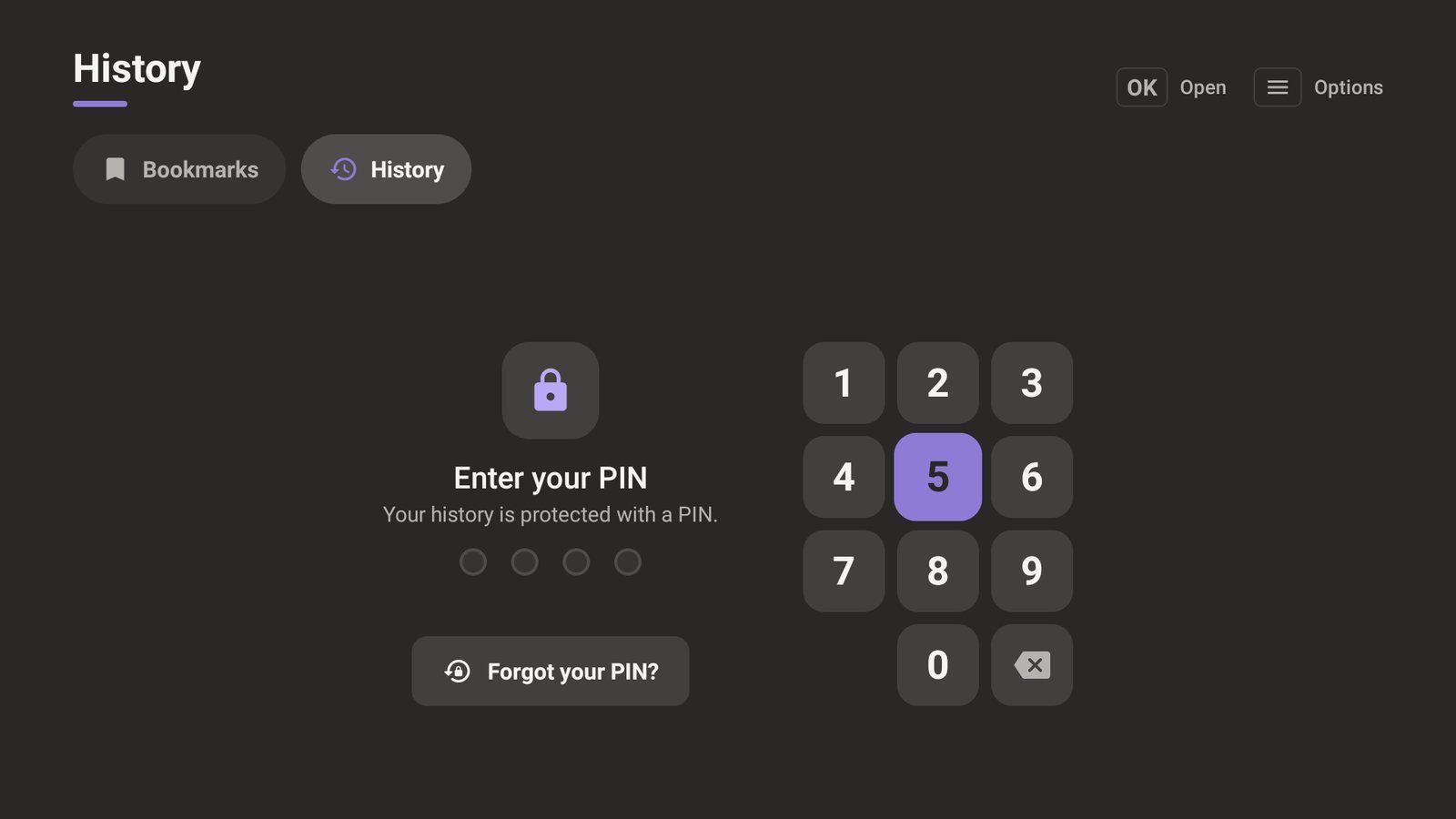
The TV in the living room belongs to everyone. With a 4-digit PIN, what you browse stays yours.
History and private tabs behind a PIN
Recent sites disappear from the home screen too. The PIN is asked again every time you come back to the app.
A keypad made for the remote
Enter it with the D-pad, or with the number keys if your remote has them.
Passwords filled in for you
No more typing passwords with the remote. They are encrypted with a key from the Android Keystore and never leave your TV.
Forgot it? Start fresh
You can remove a forgotten PIN, but only by deleting everything it protects. Nobody gets in through the back door.
No mouse, no keyboard, no problem. Everything in OrisPrivate works with the D-pad and OK button of your Google TV remote.
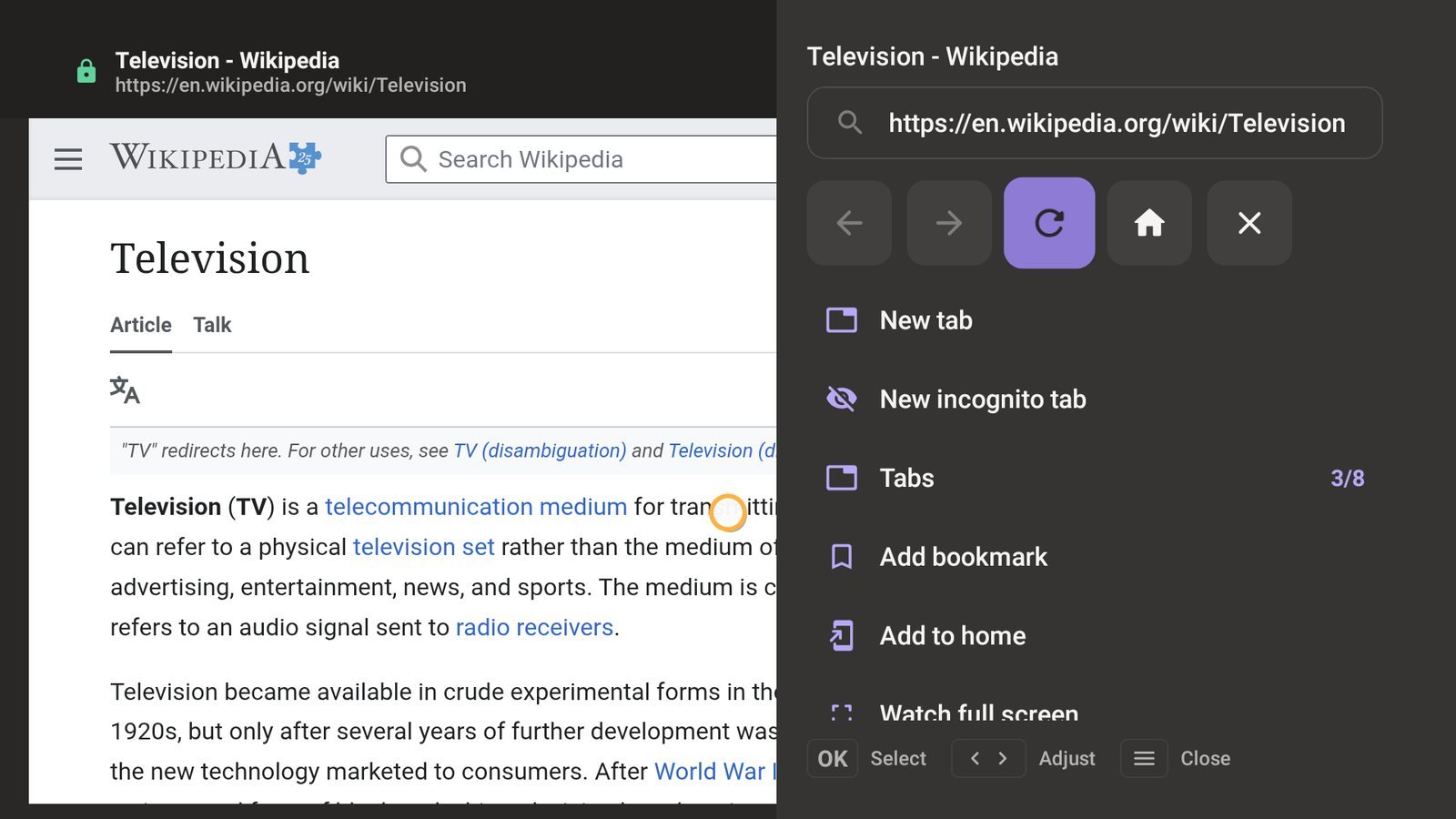
Hold OK for the browser menu
Address bar, tabs, bookmarks, zoom and settings, from any page.
Cursor or link mode
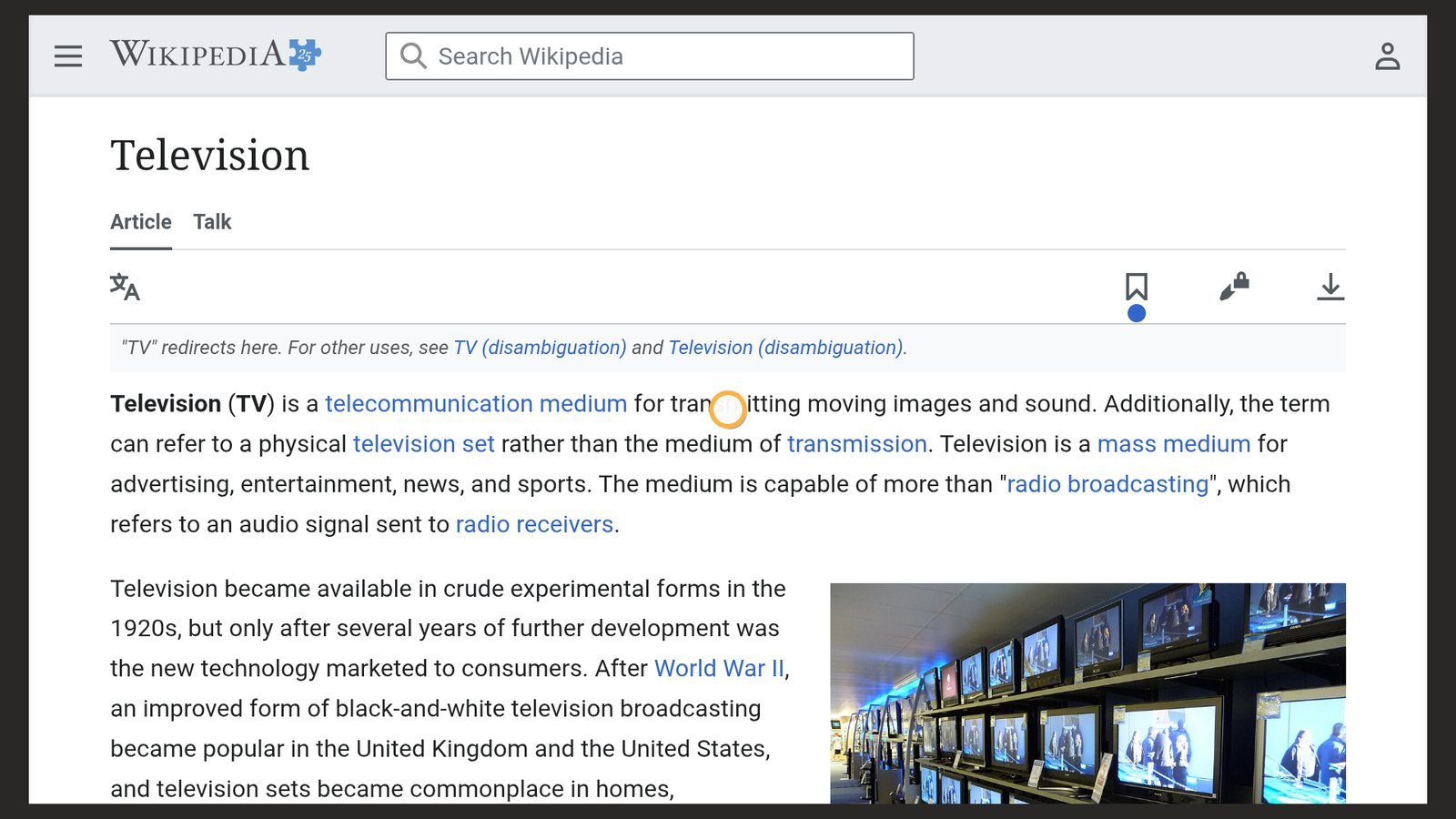
Glide a pointer across the page like a mouse, or hop from one link to the next on simple sites.
Voice search
Search by voice with DuckDuckGo, Google, Bing, Brave Search, Ecosia or Startpage.
Comfortable on a big screen
Full-screen videos, night mode for websites, text size and zoom, desktop version and up to 8 tabs.
No account, no sign-in, no sync, no analytics and no servers of our own. Your history, bookmarks, passwords and settings stay on your TV, are not copied to cloud backups, and you can clear them at any time.
Read the privacy policyOrisPrivate is a one-time purchase on Google Play. There is no subscription, no ads and no in-app purchases.
Google TV devices: smart TVs, Chromecast with Google TV, Google TV Streamer and other streaming devices running Google TV.
Only on your TV. They are encrypted with a key kept in the Android Keystore, are never sent anywhere and are not included in cloud backups. You can review and delete them in Settings, behind your PIN.
Choose "Forgot your PIN?" on the lock screen. The PIN is removed after deleting everything it protects: your history, saved passwords and private tabs. Your bookmarks and settings are kept.
Incognito tabs leave no history, cookies or cache on your TV, and tracker blocking stops many sites from following you. But the websites you visit and your network provider can still see your connection, as with any browser.
Hold the OK button on any part of a page to open the browser menu.